

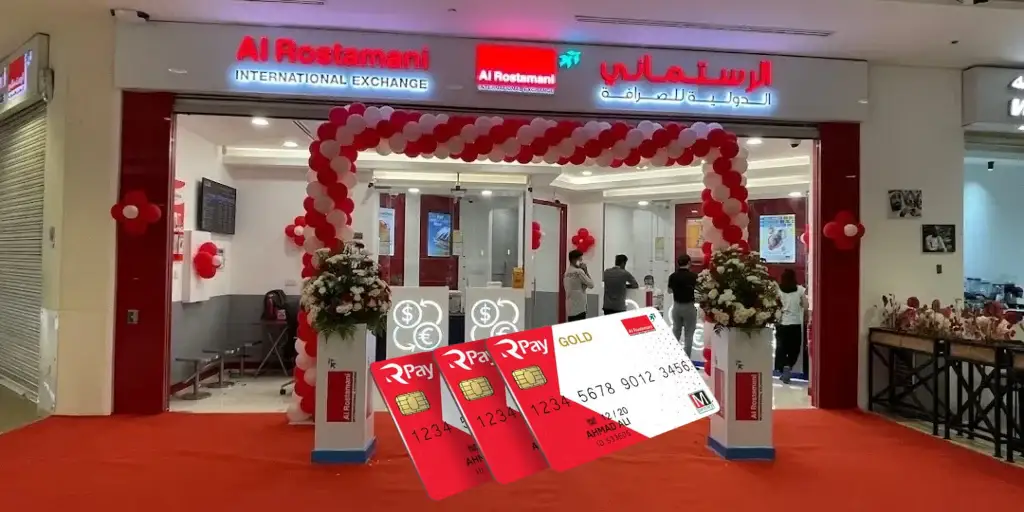
Check your Al Rostamani (RPay) salary card balance in minutes: use the RPay portal at alrostamaniexchange.com, the RPay mobile app, or any supported ATM. The online portal is fastest. Log in, choose balance enquiry, and your balance shows on screen.
What Is the Al Rostamani Salary Card, and Easy Ways To Check Salary Card Balance
The Al Rostamani salary card, also known as Al Rostamani RPay card, is a payroll card used by many companies in the UAE to pay employees. Instead of transferring salaries to a traditional bank account, employers deposit funds directly into this card.
Employees can then use the card to withdraw money from ATMs, pay for shopping, transfer funds, and check their salary balance because it works like a prepaid card. Employees often perform an al rostamani salary check to confirm their salary has been credited.
Take a sneak peek into the ways:
If you also have a First Abu Dhabi Bank account, you can quickly perform a FAB Balance Check online to stay updated on your available funds.
RPay Balance Enquiry Online
The easiest way to check your card balance is through the RPay online service. This method allows you to complete an RPay balance enquiry online, or RPay bank balance check without visiting an ATM.
The steps to check the balance are stated as follows:
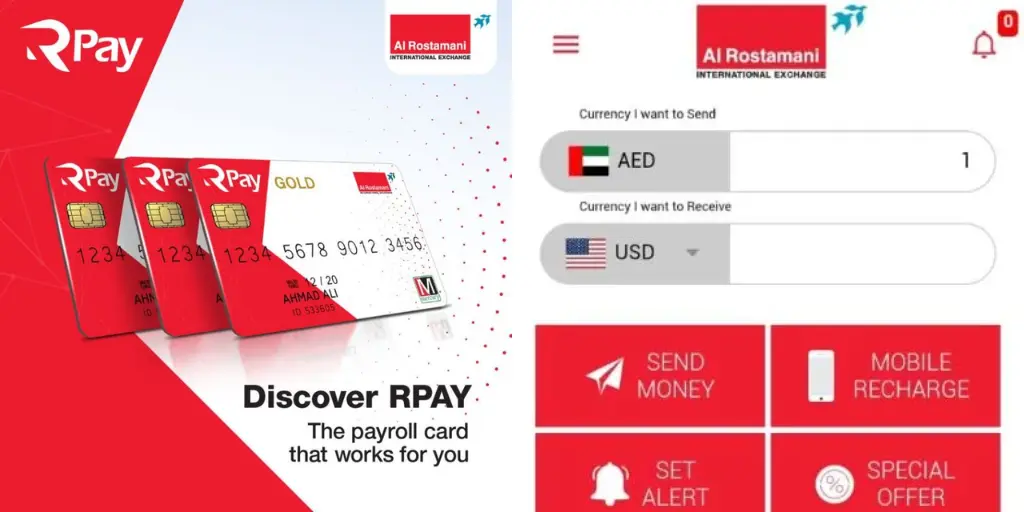
This method is fast and works on both mobile phones and computers.
Check Balance Through RPay Mobile App:
Another convenient option is the RPay mobile application. Many employees prefer the Al Rostamani balance check app method so they can monitor their salary anytime.
The easy ways to use the app are as follows:
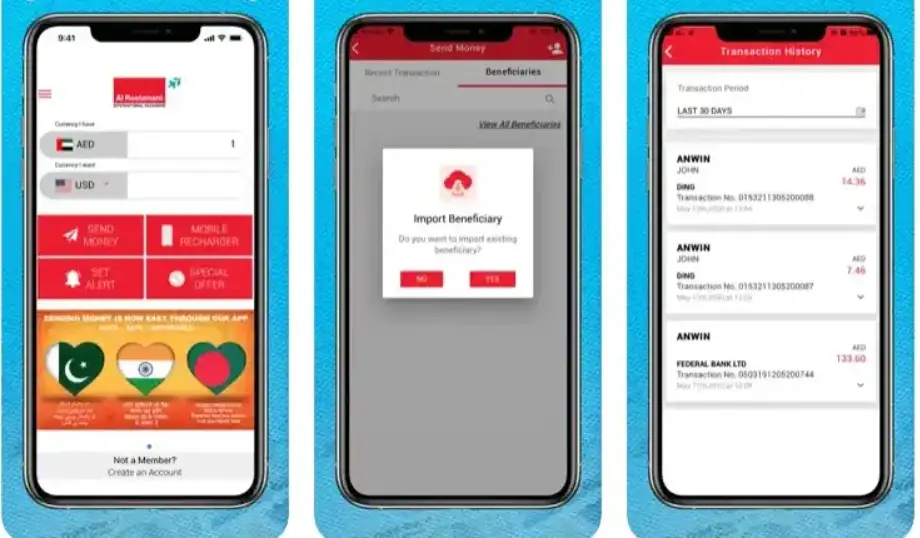
Within seconds, your balance will be displayed. The app also allows you to track transactions and manage your payroll card easily.
If you are using multiple banking cards in the UAE, it’s also useful to check your FAB Prepaid Cards Enquiry to stay updated on your available balance and transactions.
ATM Balance Check (Offline Method)
If you prefer an offline method, you can use any supported ATM.
Why not take a look at the steps stated as follows:
Customers would also be able to utilize this process for an RPay bank balance check, if they do not have the access to internet service.
Why Checking Your Salary Balance Is Important And Some Tips for Managing Your Salary Card:
Many employees check their balance immediately after payday to make sure everything is correct. For common people in the UAE, it is important to understand that doing a regular rpay balance enquiry helps you:
For your understanding, we have also shared some tips for managing your salary card. These simple habits help keep your funds safe. Here are a few useful tips for salary card users:
- Always keep your PIN secure
- Avoid sharing card details with anyone
- Use official apps or portals only
- Check your balance regularly
Customer Support and Branch Assistance
In case of any issue while checking Al Rostamani Salary Card Balance using online access, mobile app or an ATM you can contact Al Rostamani International Exchange on 600 540 004 within the UAE or +971 4 454 3200 from outside the UAE to overcome the issue.
🇦🇪 Get in Touch
Tap any option below to call or copy instantly
What to Do If Your RPay Salary Has Not Arrived
If your salary has not arrived on your RPay card, check with your employer first about the Wage Protection System payment. If your employer confirms the salary was sent but your balance is still unchanged, contact Al Rostamani International Exchange on 600 540 004 within the UAE or +971 4 454 3200 from outside the UAE during working hours from 8:30 am to 5:30 pm. Never share your PIN or any code with anyone.
What to Do If Your RPay Card Is Lost or Blocked
If your RPay card is lost or blocked, contact Al Rostamani International Exchange as soon as possible on 600 540 004 within the UAE or +971 4 454 3200 from outside the UAE and ask them to block the card. You can also ask about a replacement card. Never share your PIN or any code with anyone, and keep your card details and ID ready if you are asked for identity checking.
Please note that this guide is an independent guide. It is not Al Rostamani International Exchange, and it is not an official Al Rostamani International Exchange service.
Conclusion
To sum it all up, checking your salary card balance is now easier than ever. Whether you choose the online portal, mobile app, or ATM, each method only takes a few minutes. By performing an rpay balance enquiry online or through the RPay app, employees can instantly confirm their salary and stay in control of their finances. Regular balance checks also help avoid unexpected issues when making payments or withdrawals. Employees using other UAE payroll cards can also follow our Ratibi Card salary check guide or check their Al Ansari Payplus card balance.
FAQs
What is the Al Rostamani RPay helpline number?
The Al Rostamani RPay helpline is 600 540 004 within the UAE and +971 4 454 3200 from outside the UAE.
What are the Al Rostamani customer support working hours?
The working hours shown on the Al Rostamani Exchange contact page are 8:30 am to 5:30 pm.
Who should I contact if my RPay salary has not arrived?
Check with your employer first about the Wage Protection System payment. If your employer confirms the salary was sent but your balance is still unchanged, contact Al Rostamani International Exchange on 600 540 004 within the UAE or +971 4 454 3200 from outside the UAE.
8. What is the RPay balance enquiry website?
+
The official RPay website is alrostamaniexchange.com. Open it directly in your browser and look for the balance enquiry or card services section.
9. Is the Al Rostamani salary card a prepaid card?
+
Yes. The Al Rostamani (RPay) salary card is a prepaid payroll card. Your employer loads your salary onto it, and you can withdraw cash, shop, and check your balance without a traditional bank account.
10. Can I check my RPay balance without internet?
+
Yes. Insert your salary card into any supported ATM, enter your PIN, and choose the balance enquiry option to see your balance on screen.
11. What should I do if my RPay card is lost?
+
Contact Al Rostamani International Exchange promptly through its official channels so the card can be blocked and replaced. Do not delay, and never share your PIN with anyone.