

Introduction:
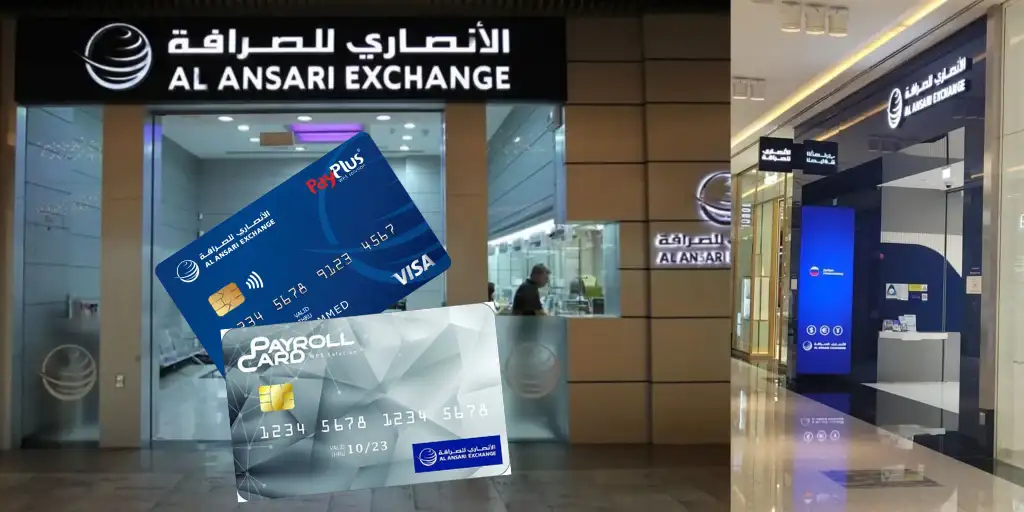
Many employees in the UAE receive their salaries through payroll cards instead of traditional bank accounts. One of the most widely used systems is the PayPlus salary card issued through Al Ansari Exchange. If you are using this card, knowing how to perform an Al Ansari balance check is important so you can confirm when your salary is deposited and manage your expenses easily. The good news is that checking your balance is quick and convenient. You can do it online, through mobile services, or by visiting an ATM. In most cases, the process takes only a few minutes.
What is the PayPlus Salary Card And Ways For UAE Users To Check Their Finances:
The PayPlus card is a payroll card designed for employees who receive salaries through Al Ansari Exchange. Instead of opening a full bank account, employers deposit the monthly salary directly into this card. Employees can then use the card to withdraw cash from ATMs, make payments at stores, send money where supported, and perform an Al Ansari balance check whenever needed because the card works similarly to a prepaid card. Checking the balance regularly helps users stay updated on their available funds.
If you also use a salary account with First Abu Dhabi Bank, it’s helpful to do a quick FAB Balance Check to monitor both your salary card and bank account balance in one place.
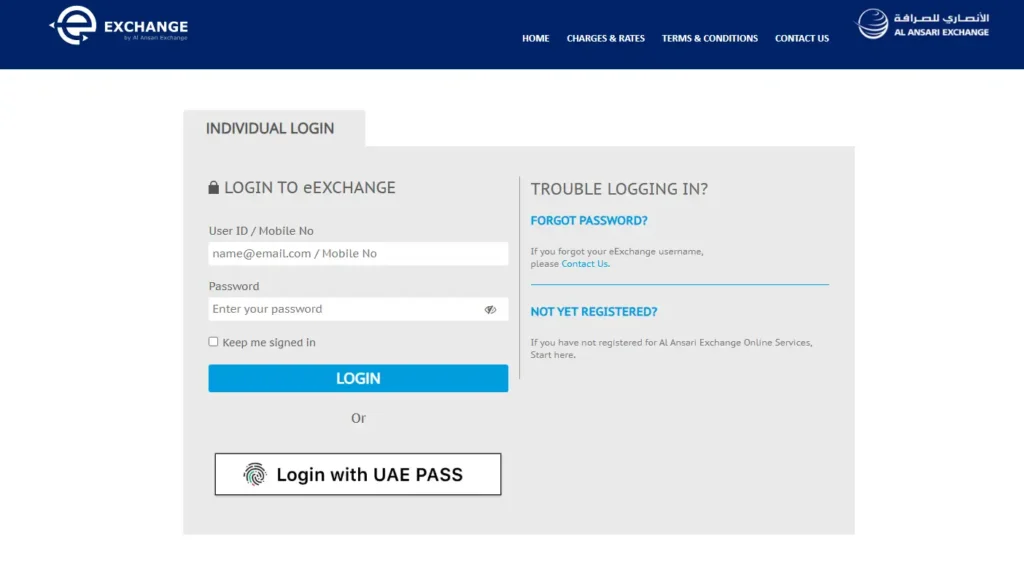
Method 1: Al Ansari Salary Check Online
One of the easiest ways to confirm your salary balance is through the online portal. Many employees prefer this method because it allows them to complete an Al Ansari salary check online without visiting a branch. This method is quick and works on both mobile phones and desktop computers.
The steps to check balance online are stated as follows:
| Step | Instructions |
|---|---|
| 1 | Open the official PayPlus or Al Ansari balance inquiry page. |
| 2 | Enter your PayPlus card number or required login details. |
| 3 | Complete the verification process if prompted. |
| 4 | Select the balance inquiry option. |
| 5 | Your current salary balance will appear on the screen. |
Method 2: ATM Balance Inquiry
If you prefer a more traditional approach, you can also check your balance at an ATM.
The steps to check the balance at an ATM in the UAE are as follows:
| Step | Instructions |
|---|---|
| 1 | Insert your PayPlus card into the ATM machine. |
| 2 | Enter your personal PIN code. |
| 3 | Choose the balance inquiry option. |
| 4 | Your available balance will appear on the screen. |
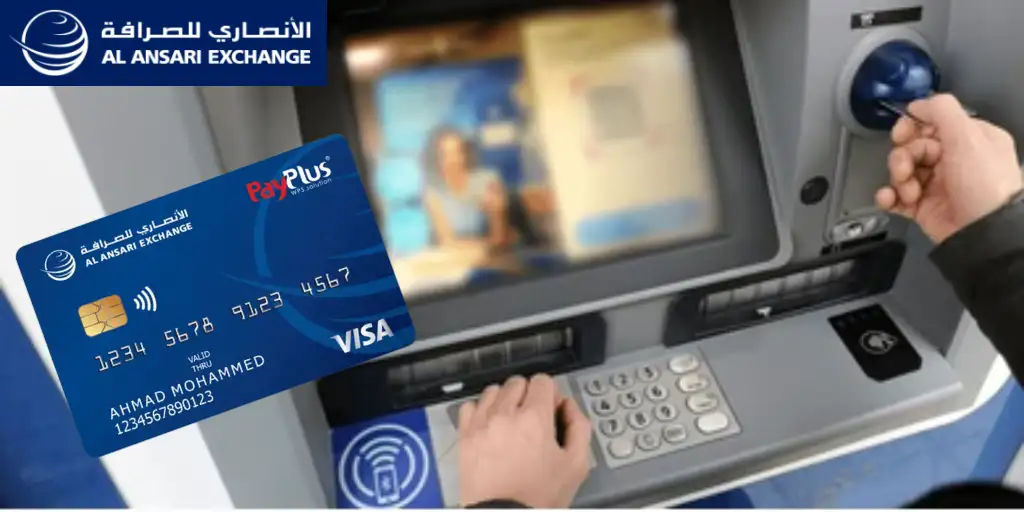
You can also print a receipt to keep a record of your balance. This method is especially useful if you plan to withdraw cash immediately after performing the all ansari balance check.
If you are managing multiple salary cards in the UAE, it’s helpful to also use Lulu Salary Check to keep track of your salary deposits and account balance easily.
Method 3: Mobile Access for Balance Inquiry
Many employees now use smartphones to manage their finances. The mobile-friendly systems provided by Al Ansari make it easy to check your balance without using a computer.
Using mobile services, you can perform an Al Ansari salary check online, view recent transactions, confirm salary deposits, and monitor spending patterns. Mobile access has made the payplus card balance check online process even more convenient for users who want instant updates.
If you also use another payroll card, you can easily check your Al Rostamani Salary Card Balance online and keep track of your salary, transactions, and available funds without visiting the branch.
Check Your PayPlus Balance on the Al Ansari Exchange App
Al Ansari Exchange lists free balance inquiries on the Al Ansari Exchange App, at branches, and through the call centre. The PayPlus card also allows free cash withdrawals at Al Ansari Exchange branches, while withdrawals at Visa ATMs have charges. This site is an independent guide. It is not Al Ansari Exchange and it is not an official Al Ansari Exchange service.
What to Do If Your Salary Has Not Arrived or Your Card Is Lost
If your salary has not arrived, check with your employer first and ask if the salary was sent through the Wage Protection System. If your employer confirms the salary was sent and the balance still has not changed, contact Al Ansari Exchange on the Customer Service Hotline 600 54 6000. The hotline timings listed on the Al Ansari Exchange contact page are 08:00 AM to 12:00 MN. If your card is lost, or you think someone else may use it, contact Al Ansari Exchange as soon as you can and ask them to block the card. Do not share your PIN or any code with anyone.
Conclusion
To finalize the word, checking your salary balance through Al Ansari Exchange is simple and convenient. Whether you choose the online portal, mobile system, or ATM method, each option allows you to complete an Al Ansari balance check quickly. By regularly monitoring your balance, you can confirm salary deposits, track your expenses, and manage your finances more effectively. The digital services available today make it easier than ever to perform an Al Ansari salary check online and stay informed about your available funds. Holders of other UAE payroll cards can also run a Ratibi Card salary check through our step-by-step guide.
FAQs
Can I check my PayPlus balance on the Al Ansari Exchange App?
Yes. Al Ansari Exchange lists free balance inquiries on the Al Ansari Exchange App, at branches, and through the call centre.
Is cash withdrawal free at Al Ansari Exchange branches with a PayPlus card?
Yes. Al Ansari Exchange lists free cash withdrawals at Al Ansari Exchange branches. Withdrawals at Visa ATMs have charges.
Who should I contact if my PayPlus salary has not arrived?
Check with your employer first and ask if the salary was sent through the Wage Protection System. If your employer confirms the salary was sent, contact Al Ansari Exchange on the Customer Service Hotline 600 54 6000.
What is the Al Ansari Exchange Customer Service Hotline number?
The Customer Service Hotline is 600 54 6000, and the timings listed on the Al Ansari Exchange contact page are 08:00 AM to 12:00 MN.


