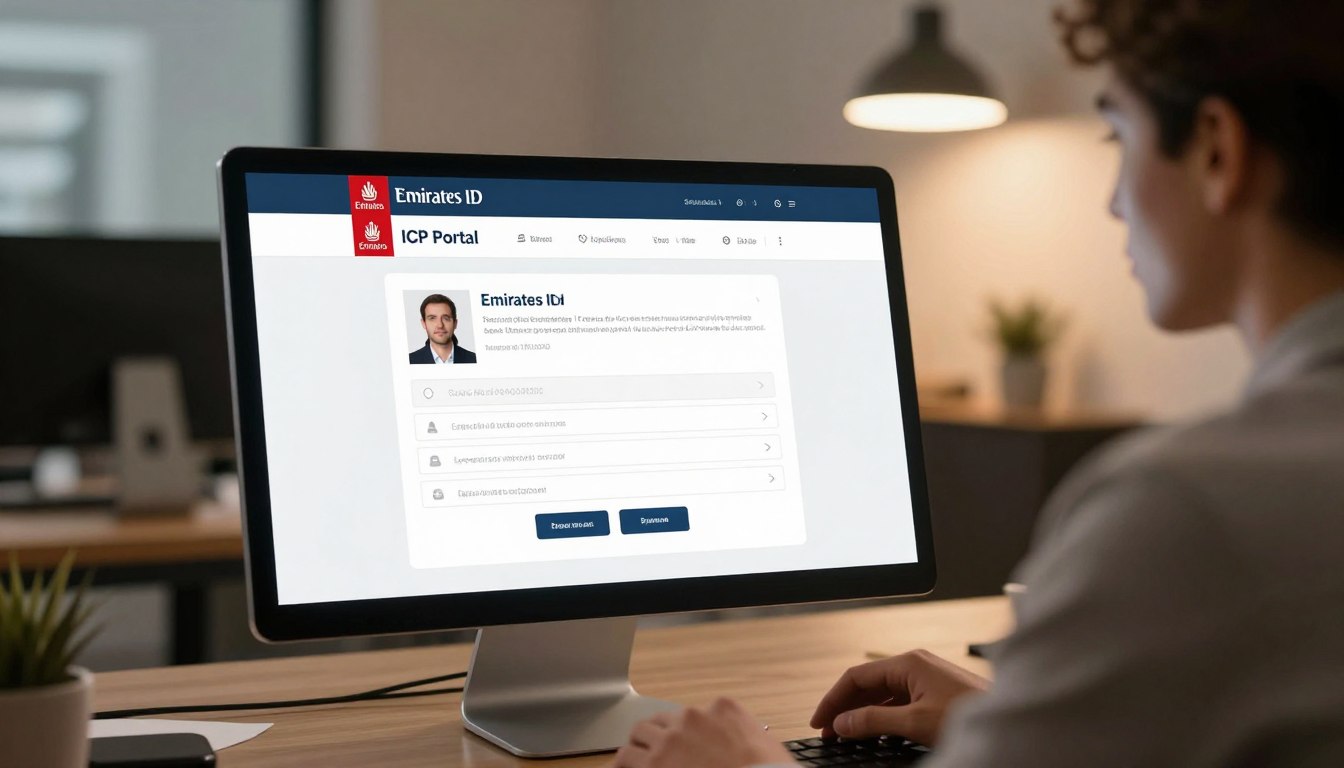
Waiting for your residency documents can feel like a long process. Fortunately, residents can easily monitor their application progress by using the official government website. Learning how to check Emirates ID status online via ICP Portal ensures you stay updated without unnecessary stress.
It is important to distinguish between tracking a new request and performing a general Emirates ID status verification for an existing card. You will need your specific application number, PRAN, or personal details ready before you begin the search. Having these documents handy makes the entire experience much smoother.
Always rely on official government channels for your sensitive data. Avoid third-party websites that promise quick results, as these can compromise your personal security. Using the authorized government platform is the safest way to get accurate information about your residency documents.
Key Takeaways
- Use only official government websites for tracking your residency documents.
- Keep your application number or PRAN ready before starting the search.
- Understand the difference between tracking a new application and verifying an active card.
- Avoid unverified third-party sites to protect your personal information.
- Regular updates are available directly through the secure government dashboard.
See More about: Fab Balance Check
What Emirates ID Status Shows and When to Check
Navigating the residency documentation process in the UAE requires staying informed about your application progress. Performing an Emirates ID status check through the official ICP Portal provides you with real-time visibility into your administrative journey. This digital system acts as a bridge between your submission and the final delivery of your physical card.
The portal is designed to offer transparency throughout the lifecycle of your identification document. By monitoring these updates, you can manage your expectations regarding processing timelines and identify if any further action is required on your part.
What the Emirates ID and ICP Portal Handle
The system serves as a centralized hub for managing various residency-related tasks. It tracks the movement of your data from the moment you submit your application until the card is ready for collection or delivery.
The ICP Portal is specifically engineered to handle high volumes of requests efficiently. It ensures that every applicant receives accurate information regarding their current standing within the government database.
Applications, Renewals, Replacements, and Card Delivery Updates
Whether you are applying for the first time or managing a renewal, the portal provides essential status updates. It tracks key milestones such as when your application is received, currently under review, or officially approved.
You will also see notifications when your card has been printed and dispatched for delivery. If you are requesting a replacement due to loss or damage, the system keeps you updated on the progress of that specific request as well.
Situations That Make an Immediate Status Check Helpful
There are specific moments when checking your status becomes particularly important for a smooth experience. It is highly recommended to verify your progress immediately after submitting your initial documents or completing your mandatory biometrics appointment.
You should also perform a check if you have recently changed your sponsorship or employer, as these updates can impact your residency status. Keeping a close eye on the portal ensures that you are aware of any pending requirements, such as medical results or additional documentation, that might delay your final approval.
What You Need Before Using the ICP Portal
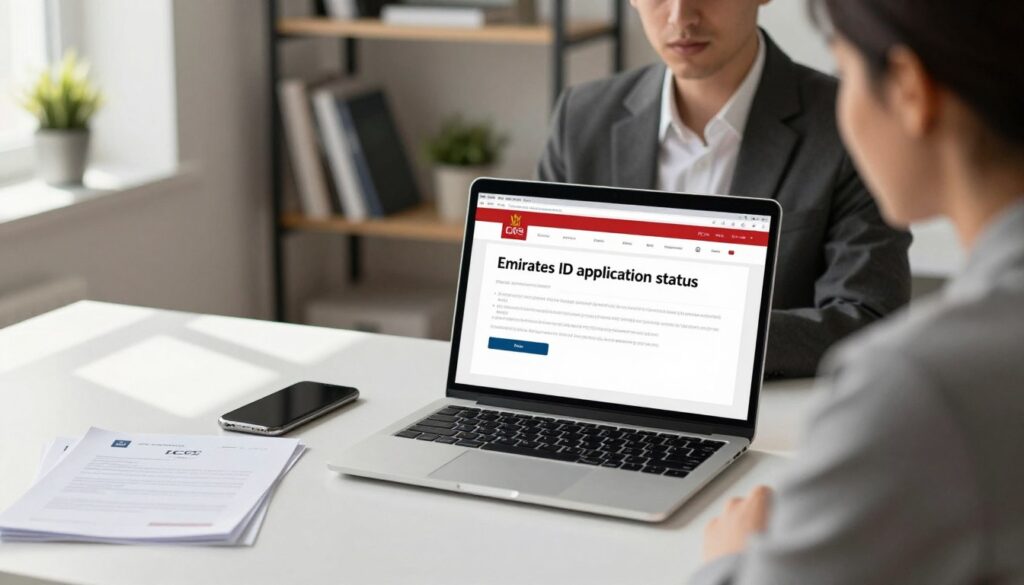
Successfully navigating the ICP Smart Services website starts with having the right information at your fingertips. Before you begin checking your Emirates ID application status, it is helpful to gather all the necessary documents and reference numbers to ensure a smooth experience.
Choose the Correct ICP Smart Services Page
The official portal offers various digital services, so selecting the correct landing page is vital. You should navigate directly to the section dedicated to tracking requests to avoid confusion with other government services.
Find Your Application Number, PRAN, or Emirates ID Number
Depending on your specific situation, you will need a unique identifier to proceed. Whether you are tracking a new application, a renewal, or a replacement, keep your receipt handy as it contains the PRAN or application number required for the search.
Prepare Your Passport and Personal Information
Having your passport details, nationality, and date of birth ready is essential for verification. These details must match the information provided during your initial submission to ensure the system retrieves the correct record.
When UAE Pass Login May Be Available
For many users, the UAE Pass provides a secure and convenient way to log in to various government platforms. While this digital identity tool is widely supported, it is not always mandatory for simple status tracking, though it can simplify the process if you have an account.
Why Accurate Information Matters
Entering precise data is the most important step in the process. Even a small typo in your application number or date of birth can lead to an error message, preventing you from viewing your current Emirates ID application status.
| Document Type | Purpose | Availability |
|---|---|---|
| Application Receipt | Provides PRAN/Reference Number | Required for Tracking |
| Passport | Verifies Identity Details | Required for Verification |
| UAE Pass | Optional Secure Login | Available for Convenience |
| Emirates ID | Used for Renewals | Required for Existing Holders |
How to Check Emirates ID Status Online via ICP Portal
Navigating the official portal to track your identity documents is a straightforward process when you know the right steps. By using the digital tools provided by the Federal Authority for Identity, Citizenship, Customs & Port Security (ICP), you can manage your records from the comfort of your home.
Open the Official ICP Smart Services Website
To begin, navigate directly to the official ICP Smart Services website. Always ensure you are typing the correct URL into your browser to avoid third-party sites. Using the official domain is the safest way to ensure your personal data remains secure during your session.
Locate the Emirates ID Application Status Service
Once the homepage loads, look for the section dedicated to public services. You will find a specific tab or search bar labeled for Emirates ID application tracking. Selecting this option will redirect you to the page where you can input your specific reference details.
Enter the PRAN or Application Details
You will be prompted to provide your unique identification number. This is typically your PRAN number or the application reference number found on your receipt. Please enter these digits exactly as they appear, without adding extra spaces or special characters, to ensure the system retrieves your file correctly.
Submit the Request and Review the Displayed Status
After entering your information, click the submit button to view your current progress. The screen will display the real-time status of your request, confirming whether your file is under process or ready for the next stage. Take a moment to verify that the personal details shown on the screen match your records.
How to Confirm You Are Using an Official UAE Government Website
Always check the browser address bar for the official government domain extension. A legitimate site will feature a secure connection icon, usually represented by a padlock. If you are ever in doubt, verify the link through the official government social media channels or the main portal directory.
What to Do if the Portal Does Not Load Correctly
If the page fails to load, try clearing your browser cache or switching to a different web browser. Sometimes, a simple refresh or checking your internet connection can resolve temporary display issues. If the problem persists, wait a short period before attempting to check your PRAN number status again, as the system may be undergoing routine maintenance.
How to Track an Emirates ID Application With the PRAN or Request Number
Finding your PRAN is the first step toward checking your Emirates ID renewal status. This unique identifier acts as the digital key to your application file within the government portal.
Identify the PRAN on the Application Receipt
When you submit your paperwork, the system generates a formal receipt. You will typically find the PRAN or request number printed clearly at the top or near the barcode section of this document.
Keep this receipt in a safe place until your card arrives. It serves as your primary proof of submission and contains the essential data needed to verify your Emirates ID replacement status.
Use the Number Without Extra Spaces or Incorrect Characters
Accuracy is vital when entering your reference number into the online portal. Ensure you type the digits exactly as they appear, avoiding any accidental spaces before or after the sequence.
Even a single transposed digit can lead to an error message. Double-check your entry to ensure the system can successfully locate your specific record.
Compare the Portal Result With Your Submission Date
Once the system displays your information, look at the submission date provided on the screen. It is normal for the status to remain unchanged for a few days immediately after you apply.
If the date matches your actual visit to the center, you can be confident that the system has captured your request. If the dates do not align, you may be looking at an old record or a different application type.
Where Employers, Typing Centers, and Visa-Service Providers May Store the Number
Many applicants rely on third-party services to handle their paperwork. In these cases, the employer or typing center often retains the original receipt or digital copy of the reference number.
If you do not have your receipt, contact your service provider immediately. They are usually required to keep these records on file for your reference.
What a Missing or Unrecognized PRAN Usually Means
An unrecognized number often stems from a simple typing error or a system delay. Sometimes, the record may not appear if the application was recently submitted and has not yet been processed by the central database.
Ensure you are using the correct service route for your specific needs. If the error persists, verify that you are not confusing your application number with your old ID number.
| Issue Type | Common Cause | Recommended Action |
|---|---|---|
| Invalid Number | Typing error or extra spaces | Re-enter carefully |
| No Record Found | System processing delay | Wait 24-48 hours |
| Wrong Status | Incorrect service route | Check receipt details |
How to Check Emirates ID Renewal and Replacement Updates
Staying informed about your Emirates ID status ensures you never face unexpected delays in your residency documentation. Whether you are updating your details or requesting a new card, you can often use your UAE Pass Emirates ID credentials to log in and view your progress securely.
Track a Renewal Submitted Before the Existing Card Expires
When you submit a renewal application, the system typically tracks the transition from your old card to the new one. You should monitor the portal to ensure your request moves from “Received” to “Processing.” Timely tracking helps you confirm that your new card is being prepared well before your current residency expires.
Monitor a Replacement After Loss, Damage, or Personal Detail Changes
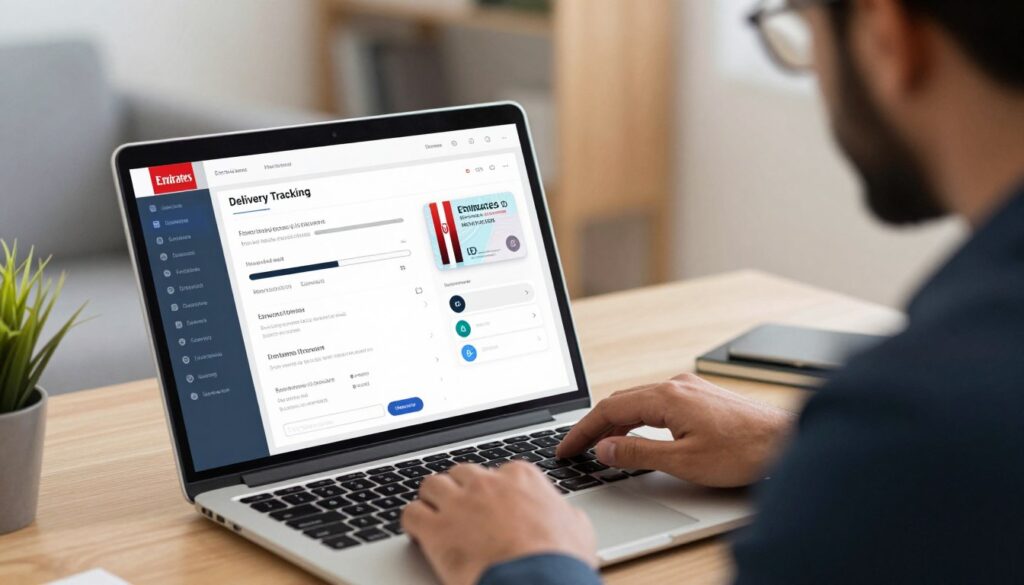
If you need a replacement due to a lost card or a change in personal information, the tracking process remains similar but focuses on the issuance of a duplicate. You can utilize Emirates ID card delivery tracking to see when your new card is handed over to the courier service. Keep your application receipt handy to verify the specific request number assigned to your replacement.
Check Whether Biometrics or a Medical-Related Immigration Step Is Pending
Sometimes, an application status remains stagnant because a specific requirement is still outstanding. You might need to complete a medical fitness test or provide updated biometric data at an authorized center. Always check the portal for notifications regarding:
- Pending biometric appointments.
- Outstanding medical test results.
- Requests for additional supporting documentation.
Why Renewal and Replacement Timelines Can Differ
It is important to understand that renewal and replacement requests follow different internal workflows. A simple replacement might be processed faster than a renewal, which often requires a full review of your residency status. Factors that influence these timelines include:
- The complexity of your residency visa category.
- Current volume of applications at the printing facility.
- Whether your personal details require manual verification by an officer.
How to Verify Personal Details and Application Updates
Ensuring your information is accurate is a vital step in managing your residency status. When you access the portal, you must carefully review your Emirates ID personal details to ensure everything is correct before the card is printed.
Review the Name, Date of Birth, and Nationality Shown in the Request
Start by checking the basic biographical data displayed on your screen. Even a small typo in your name or a wrong date of birth can lead to significant delays later on.
- Verify that your full name matches your passport exactly.
- Double-check that your date of birth is formatted correctly.
- Confirm that your nationality is listed as it appears on your official travel documents.
Confirm That Passport and Residency Information Matches
Your residency status is tied directly to your passport. It is essential to verify that the passport number and residency file number in the system are current and error-free.
If these numbers do not align with your physical documents, the system may flag your file for manual review. Always cross-reference the digital record with your physical passport to ensure total consistency.
Check for Updates After Visa, Sponsorship, or Employer Changes
An Emirates ID application update is often necessary when your circumstances change. If you have recently switched employers, renewed your visa, or changed your sponsorship, you must ensure these updates are reflected in your profile.
Failure to update these details can cause issues during travel or when accessing government services. Stay proactive by checking your status whenever a major life change occurs.
When to Request a Correction Instead of Submitting a Duplicate Application
If you discover an error in your data, do not rush to submit a new application. Creating a duplicate request often leads to confusion and further processing delays.
Instead, follow these steps to resolve the issue:
- Contact the official support channels immediately to report the discrepancy.
- Request a formal correction to your existing file.
- Provide the necessary supporting documents to verify the correct information.
How to Understand Common ICP Emirates ID Status Messages
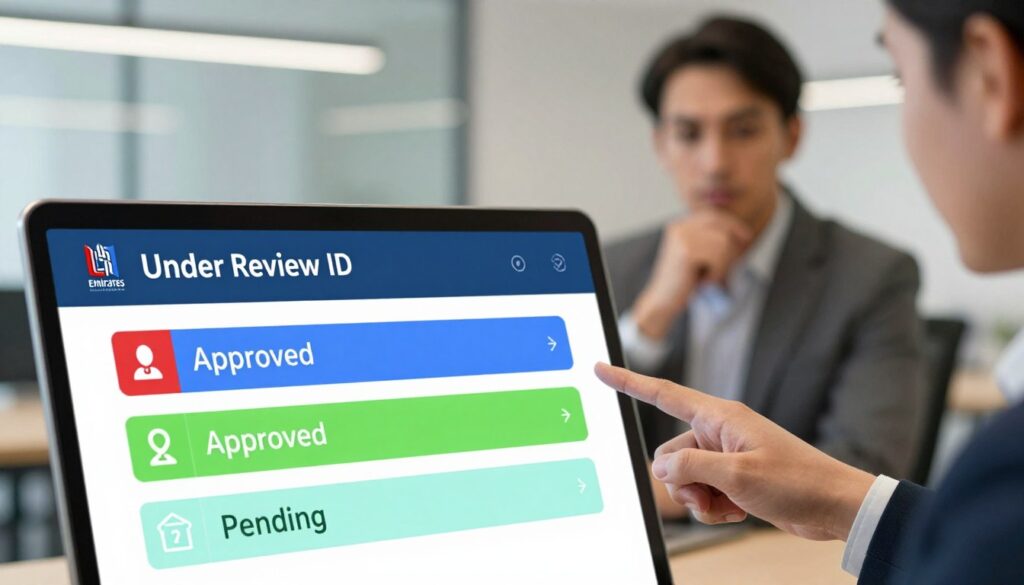
Navigating the various ICP status messages on the portal can feel like a puzzle, but understanding them is key to a smooth experience. These updates act as a roadmap for your application, helping you know exactly when to take action or simply wait for the next step.
Application Received or Under Process
When you see that your Emirates ID application under process, it simply means the system has successfully accepted your request. The authorities are currently reviewing your data to ensure everything is accurate.
This stage is standard for every applicant. You do not need to take any action while your file is being verified by the relevant departments.
Awaiting Documents, Biometrics, or Approval
Sometimes, the system requires more information to move forward. You might see a notification asking for additional documents or a reminder to complete your biometrics at an authorized center.
It is crucial to act quickly if you see these alerts. Promptly providing the requested items prevents unnecessary delays in your residency processing.
Approved, Card Printed, or Card Dispatched
These are the most exciting updates to receive. An “Approved” status indicates that your data has passed all checks, while “Card Printed” means your physical ID is being prepared.
Finally, “Card Dispatched” confirms that your document is on its way to you. You can usually expect delivery shortly after this status appears.
Rejected, Returned, or Application Requires Correction
Seeing a “Rejected” or “Returned” status can be stressful, but it is rarely a final outcome. Often, this simply means your application requires correction due to a minor error or a missing detail.
“Success is not final, failure is not fatal: it is the courage to continue that counts.”
Review your submission carefully to identify what needs fixing. Once you update the necessary information, you can usually resubmit the request without starting from scratch.
What “No Information Found” Can Indicate
If you encounter a “No Information Found” message, do not panic immediately. This often happens if you have entered your details incorrectly or if the system has not yet updated after a recent submission.
It can also occur if you are checking through a different service channel than the one used to submit the application. Double-check your reference numbers and try again after a few hours.
How Status Wording May Differ Between ICP and Service Providers
Keep in mind that the language used by the official ICP portal may differ slightly from what you see on third-party service provider websites. While the core meaning remains the same, intermediaries might use simplified terms to describe your Emirates ID application under process.
Always prioritize the information provided by the official government portal for the most accurate updates. If you remain unsure, contact the official support channels for clarification.
What to Do When Your Emirates ID Status Does Not Change
When your application seems stuck, it is important to remain calm and follow a structured approach to get answers. It is common for updates to take time, but if you notice your Emirates ID status not changing for an extended period, you should investigate the cause systematically.
Check Processing Times Before Escalating the Request
Before you worry, verify the standard processing window for your specific application type. Different services, such as new issuances or renewals, have varying timelines that may be affected by public holidays or high demand.
Patience is key during the initial stages of processing. Ensure that you have allowed enough business days to pass before you assume there is a problem with your submission.
Review Your Application Receipt and Uploaded Documents
Take a moment to carefully review your application receipt. Check that all personal details, such as your name and passport number, were entered correctly during the initial submission.
You should also confirm that all required documents were uploaded in the correct format. Missing or blurry attachments are frequent reasons for a delay in the approval process.
Contact ICP Support Through Official Channels
If you have confirmed that the expected time has passed and your documents are correct, it is time to contact ICP support. Use only official channels, such as the verified helpline or the online feedback form, to ensure your inquiry is handled securely.
Information to Include When Requesting Help
To get the fastest response, provide clear and concise information. Include the following details in your communication:
- Your full application reference number or PRAN.
- The date you submitted the application.
- A clear screenshot of the current status page.
- Your contact details and a brief description of the issue.
When to Contact the Typing Center, Employer, or Visa Sponsor
Sometimes, the delay originates from your sponsor or the typing center. If your application was submitted through a third party, reach out to them first to see if they received any notifications regarding missing information or payment issues.
Resolve Common Portal Errors and Login Problems
Technical glitches can sometimes make it appear as though your status is not updating. If the portal is unresponsive, try these simple troubleshooting steps to refresh your view.
Try a Current Browser, Clear Cached Data, and Check the Connection
Start by clearing your browser cache or switching to a different web browser entirely. A stable internet connection is also vital for the portal to display real-time data accurately.
Do Not Submit Repeated Applications Just Because the Status Is Delayed
Avoid the temptation to submit a new application while the first one is still pending. Creating duplicate requests often leads to confusion and can actually cause further delays in your Emirates ID status not changing situation. Always wait for a formal rejection or update before starting a new process.
How to Check Emirates ID Status Safely and Avoid Scams
Navigating government portals requires a sharp eye to ensure you stay safe from digital threats. While the process is designed to be user-friendly, maintaining strict security habits is essential for protecting your identity. Always ensure you are interacting with official platforms to keep your sensitive information secure.
Use ICP Government Websites and Verified Contact Channels
You should only access the official Federal Authority for Identity, Citizenship, Customs & Port Security (ICP) website. Verify the URL in your browser to ensure it ends in .gov.ae, which confirms it is a legitimate government domain. Avoid clicking on links from third-party websites or unverified social media advertisements.
Protect Your Passport Details, UAE Pass Credentials, and One-Time Passwords
Never share your private credentials with anyone, even if they claim to be an official representative. Your UAE Pass login details and One-Time Passwords (OTPs) are strictly for your personal use. If a website asks for your passport number or sensitive residency data, double-check that you are on the official portal before entering any information.
Recognize Fake Tracking Links and Unsolicited Payment Requests
Be cautious of messages that promise guaranteed approval or demand urgent payments for “expedited” services. An Emirates ID status scam often uses high-pressure tactics to steal money or personal data. If you encounter unexpected Emirates ID portal errors, do not search for unofficial “fix-it” sites, as these are often designed to harvest your private information.
| Security Feature | Official Practice | Warning Sign |
|---|---|---|
| Website Domain | Ends in .gov.ae | Ends in .com or .net |
| Payment Requests | Only via official portal | Via WhatsApp or email links |
| Login Credentials | Use UAE Pass only | Sharing passwords with others |
| Support Channels | Verified ICP contact lines | Unsolicited social media DMs |
Conclusion
Staying informed about your residency status is a vital part of living and working in the UAE. You can maintain peace of mind by using the official ICP website for all your identity needs. This platform provides a secure way to monitor your progress without relying on third-party services.
Successful Emirates ID tracking online requires attention to detail. Always double-check your PRAN or application number before you hit the submit button. Accurate data entry prevents unnecessary delays and ensures you receive the correct updates regarding your card status.
Patience plays a key role during the processing window. Allow the system enough time to update before you reach out for support. If your status remains stagnant for an extended period, contact the official support channels directly to resolve the issue.
Protecting your personal information remains your top priority throughout this digital journey. Never share your sensitive credentials or passwords with unverified sources. By following these best practices, you keep your identity secure while navigating the modern digital landscape of the UAE.