Managing your transit expenses efficiently is essential for every driver. If you frequently navigate busy roads, performing a salik balance check online ensures you never face unexpected interruptions during your daily commute.
This guide provides a simple, step-by-step approach for monitoring your funds. We will walk you through the process of adding credit, reviewing your recent driving history, and keeping your profile secure.
Whether you are a new user or a seasoned traveler, staying updated on your financial status is vital. By following these instructions, you can maintain seamless travel experiences across the city without any stress.
Key Takeaways
- Learn the fastest methods for monitoring your remaining credit.
- Discover secure ways to add funds instantly from your mobile device.
- Understand how to review your past transit history with ease.
- Follow expert tips to keep your personal information protected.
- Master the navigation of your user dashboard for better management.
What You Need Before Managing a Salik Toll Account
Preparing for your digital toll experience is simple when you know exactly what to have on hand. Having your information organized helps you maintain your salik toll account without unnecessary stress or delays.
Salik Account Details to Keep Available
Salik Account Number and Toll Tag Information
To access your profile, you must have your unique account number ready. You should also keep your toll tag information handy, as this links your specific vehicle to your balance.
Registered Mobile Number and Email Address
Your registered contact details are essential for security. The system uses your mobile number and email address to send verification codes and account recovery links, ensuring that only you can access your private data.
Devices and Payment Methods for Online Access
Using a Secure Browser or the Salik App
Effective salik toll account management requires a stable internet connection and a compatible device. You can choose between using a secure web browser on your computer or downloading the official mobile application for on-the-go access.
Acceptable Cards and Digital Payment Options
Before you attempt to top up, verify that you have a valid payment method. The system typically accepts major credit and debit cards, along with various digital wallets, to ensure your transactions are processed quickly and securely.
How Salik Deductions Affect Your Available Balance
Every time you pass through a toll gate, the system automatically deducts the fee from your prepaid balance. It is important to monitor your account regularly to ensure you have sufficient funds to cover these charges. Staying proactive prevents service interruptions and helps you avoid potential fines for low-balance status.
See More About How to FAB Balance Check
Salik Balance Check Online: How to Recharge and View Toll Account
Staying on top of your toll account ensures you never face unexpected travel interruptions. By utilizing digital tools, you can maintain full control over your driving expenses and avoid potential fines. A regular salik balance check online is the most efficient way to keep your account in good standing.
Step-by-Step Salik Balance Check Through the Official Website
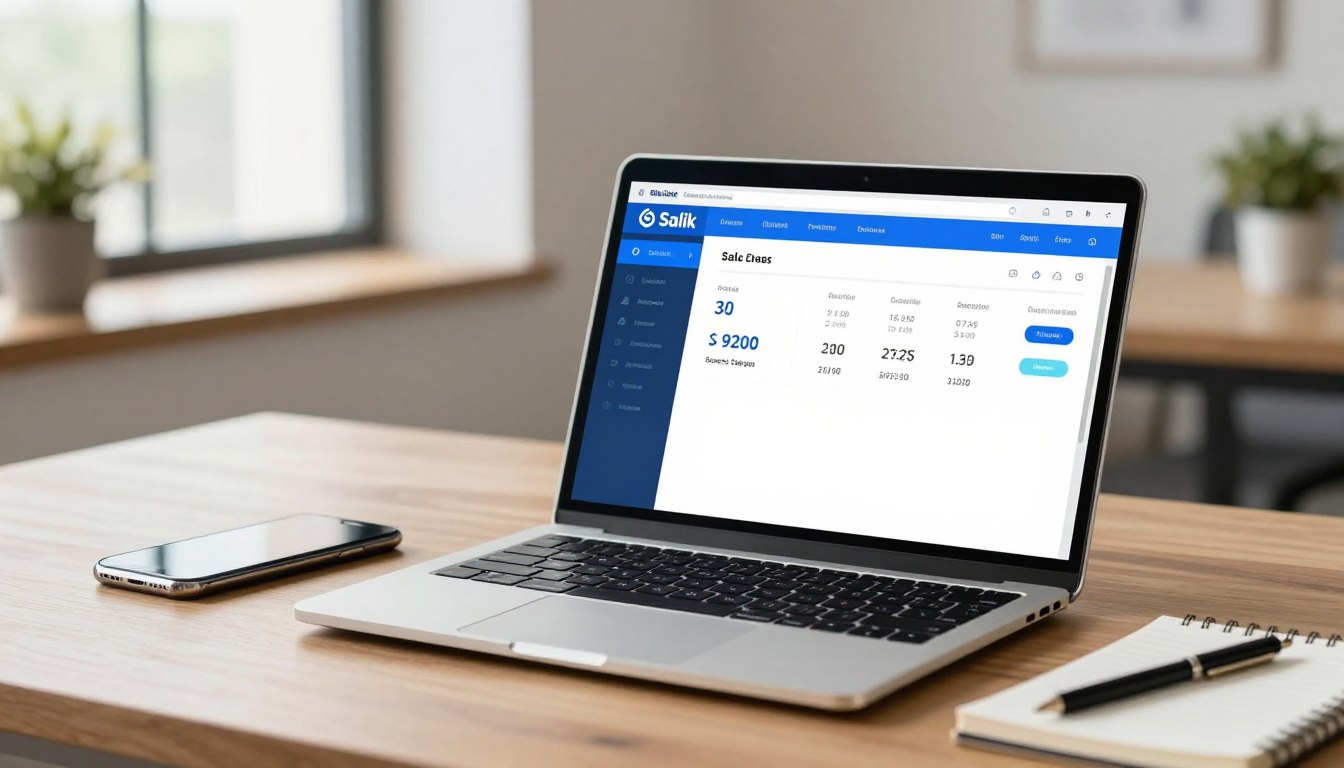
To begin your salik account balance inquiry, navigate to the official portal using your preferred web browser. Once you reach the login page, enter your registered credentials to access your personal dashboard. This secure environment provides a clear view of your salik toll account balance in real-time.
Information Shown in the Online Salik Account
Your dashboard acts as a central hub for all your toll-related data. It organizes complex financial information into easy-to-read categories for your convenience.
Current Salik Toll Account Balance
The primary display shows your available funds immediately upon login. This figure represents the total amount currently usable for your upcoming trips.
Recent Toll Transactions and Deducted Amounts
You can view a detailed list of your latest gate crossings. Each entry shows the exact time, location, and the specific amount deducted from your account.
Recharge History and Payment Records
This section tracks every top-up you have performed. It serves as a reliable financial log to verify that your payments were processed successfully.
Checking the Account Without Delaying a Trip
Performing a quick check before you leave home prevents any stress while driving. If you notice your funds are low, you can initiate a recharge instantly. Keeping your account updated ensures a smooth journey through every toll gate.
| Feature | Description | Frequency |
|---|---|---|
| Current Balance | Total available funds | Daily |
| Transaction Log | Recent gate deductions | Weekly |
| Payment History | Past recharge records | Monthly |
How to Create or Access Your Salik Online Account
Establishing a secure connection to your toll information is a straightforward process for every driver. By maintaining an active salik toll account, you ensure that your travel remains uninterrupted and your balance stays healthy.

Steps to Register a Salik Toll Account Online
If you are a new user, the registration process is designed to be quick and user-friendly. Follow these simple steps to get started:
- Visit the official portal and select the registration option for new users.
- Enter your mobile number and verify it using the code sent to your device.
- Provide your vehicle details, including the plate number and traffic file number.
- Create a secure password to protect your personal information.
Steps to Sign In to an Existing Salik Account
Returning users can access their dashboard at any time to monitor their status. Managing your salik toll account online requires only your registered mobile number and your unique password.
Simply navigate to the login page and enter your credentials. If you have forgotten your password, use the “Forgot Password” link to receive a reset code via SMS.
What to Do When Account Details Do Not Match
Sometimes, you may encounter issues where your profile information does not align with your current records. Do not worry, as these discrepancies are usually easy to resolve through the portal or support channels.
Updating Contact or Vehicle Information
If your phone number or email address has changed, you can update these details directly within your profile settings. Keeping this information current is essential for receiving important notifications about your balance.
For vehicle-related changes, such as selling a car or adding a new one, use the “Manage Vehicles” section. This ensures that all toll charges are correctly linked to the right account.
Contacting Salik Customer Support for Ownership Issues
In cases where you cannot verify ownership or if your account shows incorrect data, you should reach out to the support team. They can assist with complex verification tasks that require manual review.
Always have your identification documents and vehicle registration papers ready when you call. This preparation helps the support staff resolve your ownership concerns much faster.
Ways to Check Your Salik Account Balance Online
You have several convenient ways to perform a salik account balance inquiry today. Staying proactive about your funds helps you avoid travel delays and ensures your vehicle is always ready for the road.
Using the Salik Website for an Account Balance Inquiry
Finding the Balance on the Main Dashboard
Once you log in to the official portal, your current funds appear clearly on the main dashboard. This centralized view provides an instant snapshot of your available credit. You can easily see if your account requires a top-up to maintain active status.
Reviewing the Balance After a Recent Toll Crossing
It is important to note that toll deductions may take a short time to process after you pass through a gate. While the system is highly efficient, your salik toll account balance might not reflect a crossing immediately. Checking back a few hours later ensures you see the most accurate financial data.
Using the Salik Balance Check App
For drivers on the go, the salik balance check app offers a portable solution for managing your account. You can download this tool to your smartphone to receive real-time updates wherever you are. It simplifies the process by keeping your login credentials saved for quick access.
Checking Salik Account Status Through Available Notifications
The system is designed to keep you informed through automated alerts. These messages act as a safety net, ensuring you never miss a critical update regarding your account health.
Low-Balance Alerts and Recharge Reminders
When your funds drop below a specific threshold, the system sends a notification to your registered mobile number or email. These timely reminders are vital for preventing service interruptions. You should always keep your contact information updated to receive these important alerts.
Payment Confirmation and Failed Transaction Messages
After you complete a recharge, you will receive a confirmation message to verify the success of the transaction. If a payment fails, the system sends an immediate notification explaining the issue. This allows you to address potential problems, such as expired cards or network errors, without delay.
Comparing Website and App Balance Information
Both the website and the mobile application pull data from the same central database. While they offer different user experiences, the core information remains consistent across both platforms. The following table highlights the primary differences to help you choose the best method for your needs.
| Feature | Salik Website | Salik App |
|---|---|---|
| Accessibility | Desktop/Browser | Mobile Device |
| Primary Use | Detailed History | Quick Balance Check |
| Alerts | Email/SMS | Push Notifications |
| Data Sync | Real-time | Real-time |
Salik Top Up Options and How to Choose One
Choosing the right method for your salik recharge can save you time and prevent unnecessary stress on the road. With various digital and physical channels available, you can easily maintain your account status without interrupting your daily commute.
Top Up Salik Account Online With a Bank Card
Credit and Debit Card Requirements
To top up salik account online, ensure you have a valid credit or debit card issued by a recognized financial institution. Most major card providers are accepted, provided they support secure online transactions.
Choosing a One-Time or Saved Payment Method
You can opt for a one-time payment if you prefer to manage your funds manually. Alternatively, saving your card details provides a faster salik online top up experience for future transactions.
Recharge Salik Account Online Through the Salik App
Entering the Recharge Amount
Using the mobile app is a highly efficient way to recharge salik account online. Simply navigate to the payment section and input the specific amount you wish to add to your balance.
Confirming the Payment Before Submission
Always review your transaction details carefully before finalizing the payment. This step ensures that your reload salik card request is processed accurately and applied to the correct account.
Other Salik Recharge Methods to Consider
Authorized Salik Recharge Channels
Beyond digital platforms, there are several authorized channels available for your convenience. These include official service centers and partner outlets that facilitate quick account updates.
Retail, Kiosk, and Banking Options Where Available
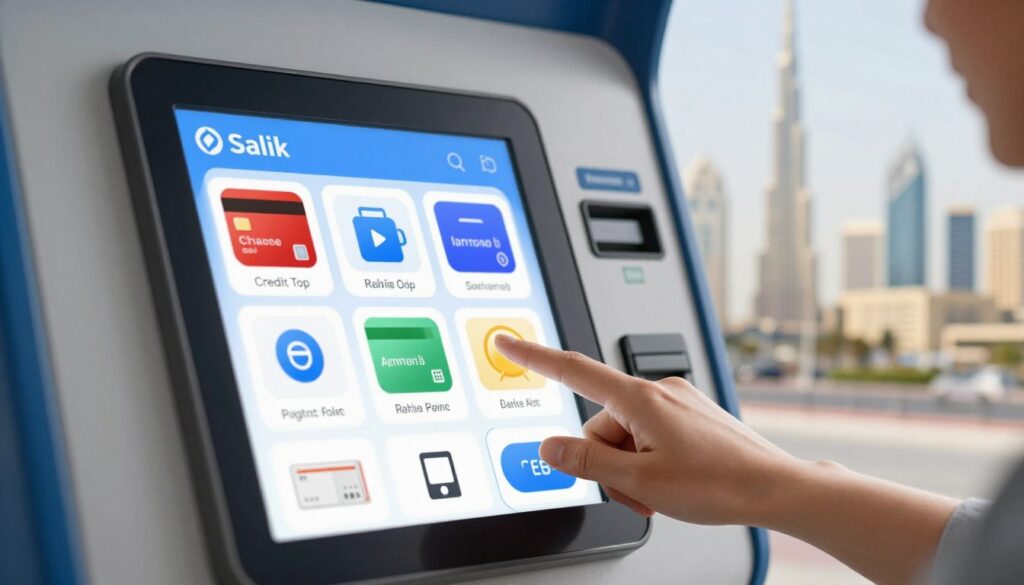
Many users find it helpful to use physical kiosks or banking services to reload salik card. These options are excellent if you prefer handling transactions in person or through your bank’s portal.
How Much Money to Add to a Salik Account
Estimating Regular Toll Expenses
To determine the ideal salik recharge amount, calculate your average weekly toll usage. This simple math helps you avoid frequent, small transactions and keeps your account healthy.
Keeping an Extra Balance for Multiple Trips
It is wise to maintain a buffer in your account to cover unexpected travel. Having an extra balance ensures you never face a low-fund alert during busy periods, making your salik online top up strategy much more reliable.
Step-by-Step Salik Account Recharge Process
A smooth commute starts with a well-funded account, and this guide will show you how to keep yours ready. Mastering the salik account recharge process ensures you never face unexpected interruptions while driving through toll gates. By following a clear sequence, you can manage your balance with total confidence.
Preparing for a Salik Online Top Up
Before you begin, gather all necessary information to make the transaction seamless. You will need your account number, your mobile phone for verification codes, and a valid payment method like a credit or debit card. Having these details ready helps you complete the salik online top up without unnecessary delays.
Adding Money Through the Salik Website
To top up salik account online, visit the official portal and log in to your personal dashboard. Navigate to the payment section and select your preferred recharge amount. Once you confirm the details, follow the prompts to enter your bank card information securely.
Reloading a Salik Card Through the Mobile App
Many drivers prefer to reload salik card balances using the official mobile application for added convenience. Simply open the app, sign in, and tap on the recharge icon. The interface is designed to make the recharge salik account online experience quick and intuitive for every user.
What to Do If the Recharge Does Not Appear Immediately
Sometimes, a system delay might prevent your balance from updating instantly after a transaction. Do not panic if your account total does not change right away. It is common for processing times to vary slightly depending on bank connectivity.
Checking the Payment Status Before Trying Again
Before you attempt another salik recharge, check your transaction history or your bank statement. If the payment shows as “pending” or “successful,” wait a few minutes for the system to sync. Verifying the status first prevents you from accidentally performing a duplicate transaction.
Preventing Duplicate Charges During a Delayed Update
To avoid extra fees, it is best to exercise patience when the system seems slow. If you are unsure whether the first attempt worked, check your email for a confirmation receipt. By waiting for the system to catch up, you ensure that you only top up salik account online once, keeping your finances organized and stress-free.
How to Confirm Toll Charges and Salik Recharge Results
Once you have completed a payment, it is important to confirm that your funds have been successfully applied. Regularly performing a check salik account status helps you avoid unexpected service interruptions while driving. Staying proactive ensures your travel remains smooth and stress-free.
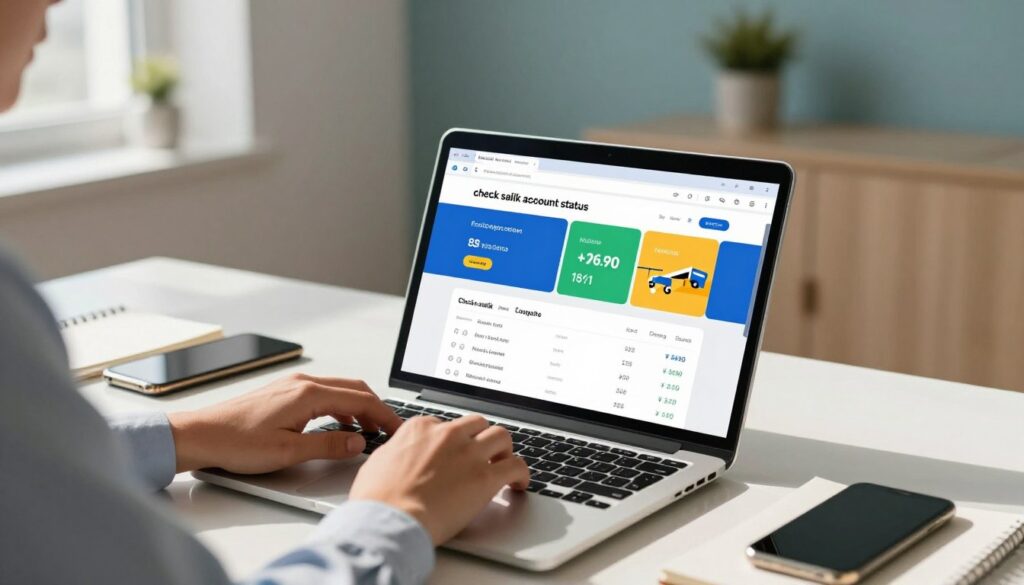
Verifying a Successful Salik Recharge
After you finish the salik account recharge process, you should see an immediate update to your available balance. If the balance does not reflect the new funds, wait a few minutes before refreshing your browser or app. Most digital payments process instantly, but network delays can occasionally occur.
Reviewing Toll Charges in the Salik Transaction History
Your transaction history serves as a detailed log of every toll gate you pass. Reviewing this data regularly allows you to maintain full control over your account activity.
Date, Time, and Location of Each Toll Deduction
Every entry in your history provides specific details regarding your travel. You can view the exact date, time, and location of each toll deduction to ensure your records match your actual trips.
Vehicle and Tag Details Connected to the Charge
The system links every charge to a specific vehicle and tag. This feature is particularly useful if you manage multiple cars under a single account, as it helps you identify which vehicle incurred a specific fee.
Identifying Unexpected or Duplicate Transactions
If you notice an unfamiliar charge, compare it against your travel logs immediately.
“Transparency in financial tracking is the best way to prevent errors and maintain account health,” notes a frequent commuter.
If you spot a duplicate transaction, document the details before reaching out for assistance.
Checking Salik Account Status After a Failed Payment
Sometimes, a payment might not go through as expected. Understanding the status of your transaction is key to resolving these issues quickly.
Pending, Reversed, and Declined Recharge Transactions
Transactions may appear as pending while the bank verifies the funds. If a payment is declined or reversed, the system will usually provide a status code or notification in your account dashboard.
| Status | Meaning | Action Required |
|---|---|---|
| Pending | Processing | Wait 24 hours |
| Declined | Payment failed | Check card details |
| Reversed | Funds returned | Retry payment |
When to Contact the Bank or Salik Support Team
If a payment remains stuck in a pending state for more than 24 hours, it is time to take action. Contact your bank to ensure there are no holds on your card, or reach out to the official support team to verify your salik account recharge process status.
Common Salik Balance and Recharge Problems
Even the most reliable systems can occasionally run into minor hiccups that require your attention. When you need to check salik account status, you might find that things do not always go as planned. Understanding how to troubleshoot these common issues will help you maintain a smooth driving experience.
Incorrect Login or Account Verification Details
If you cannot access your profile, first verify that your credentials are correct. Ensure that your registered mobile number or email address matches the information on file. Double-check for any typos in your password or username before attempting to reset your access.
Balance Has Not Updated After a Salik Top Up
It is common to feel concerned when your funds do not appear immediately. However, patience is often the best approach during this window.
Allowing Time for Bank and Salik Processing
Digital transactions require time to sync between your bank and the toll system. Please allow up to 24 hours for the balance to reflect accurately in your account.
Checking Bank Authorization and Payment History
If the balance remains unchanged after a day, verify your bank statement. Confirm that the transaction was authorized and that the funds were successfully deducted from your account.
Avoiding Repeated Submissions for the Same Recharge
Avoid the temptation to submit multiple payment requests while waiting for a confirmation. Repeated submissions can lead to duplicate charges, which may take additional time to resolve through your bank.
Salik Tag or Vehicle Information Is Incorrect
Sometimes, the issue lies with the physical tag or the vehicle registration details linked to your profile.
Reviewing the Linked Vehicle in the Online Account
Log in to your dashboard to ensure your vehicle plate number is correctly registered. An incorrect plate number can prevent tolls from being deducted from the right account.
Reporting a Missing, Damaged, or Misassigned Salik Tag
If your tag is physically damaged or missing, it will not scan correctly at toll gates. You should report these issues immediately to ensure your account remains in good standing.
Unexpected Toll Deductions or Low Balance
If you notice discrepancies, it is time to check salik account status in detail to identify the root cause.
Comparing Trips With the Salik Transaction Record
Review your transaction history to match specific dates and times with your recent trips. This helps you identify if a deduction was made for a route you actually traveled.
Requesting a Transaction Review When Details Do Not Match
If you find a clear error, do not hesitate to contact customer support. Provide them with your transaction reference numbers to request a formal review of the disputed charges.
| Issue Type | Recommended Action | Priority |
|---|---|---|
| Login Failure | Reset Password | High |
| Delayed Balance | Wait 24 Hours | Medium |
| Incorrect Tag | Contact Support | High |
Safe Salik Toll Account Management Practices
Keeping your toll account secure is essential for a stress-free driving experience. Proper salik toll account management ensures that your personal data remains private while you navigate the roads efficiently.
Protecting Salik Login and Payment Information
Your login credentials act as the primary key to your financial data. Always choose a strong, unique password and avoid sharing it with anyone. When accessing your salik toll account online, ensure you are using a secure, private network rather than public Wi-Fi to prevent unauthorized access.
Recognizing Suspicious Salik Recharge Messages
Cybercriminals often send fake messages to trick drivers into revealing sensitive details. Staying alert is your best defense against these phishing attempts.
Checking the Sender Before Opening a Payment Link
Always verify the sender’s identity before clicking any links. Official notifications typically come from verified channels. If a message looks unusual or arrives unexpectedly, do not click any links provided in the text or email.
Reporting Requests for Passwords, PINs, or Full Card Numbers
Legitimate services will never ask you to provide your password, PIN, or full credit card number via text or email. If you receive such a request, report it immediately through the official support channels. Protecting your sensitive information is a critical part of maintaining a secure account.
Keeping Reliable Records of Salik Payments
Maintaining a clear history of your transactions helps you stay in control of your finances. Keeping organized records allows you to spot discrepancies quickly.
Saving Receipts and Transaction Reference Numbers
Whenever you top up your balance, make sure to save your digital receipts. These documents often contain transaction reference numbers that are vital if you need to resolve a payment issue later.
Reviewing Monthly Toll Activity and Account Alerts
Regularly checking your transaction history helps you monitor your spending habits. Enable account alerts to receive notifications about low balances or successful payments. This proactive approach keeps you informed about your account status at all times.
Managing Automatic or Repeated Recharge Settings Carefully
Automatic recharge features offer great convenience, but they require periodic oversight. Review your settings regularly to ensure the recharge amounts still align with your current driving needs. By keeping a close eye on these recurring payments, you can avoid unexpected charges and maintain a healthy balance without any stress.
Conclusion
Managing your Salik account ensures smooth travel across Dubai. You now possess the tools to monitor your balance and recharge your account with ease.
Regularly checking your funds prevents unexpected issues during your daily commute. Use the official Salik website or the mobile app to keep your account status updated. These platforms provide a clear view of your transaction history and current balance.
Secure payment practices protect your personal information during every top-up. Keep your login credentials private and verify your recharge results through the official portal. Maintaining adequate funds allows you to navigate toll gates without stress.
Take control of your travel expenses by reviewing your account details often. Proactive management keeps your vehicle ready for the road at all times. Start using these digital resources today to enjoy a seamless driving experience.